Window Sticker
Overview
Window stickers generate a printable QR code that links directly to a job. Place it on the vehicle's windshield so any employee can scan it with their phone to instantly open the job. The sticker can optionally include the customer name, VIN, and RO number.
Print a Window Sticker
- In the jobs list, find the job you want a sticker for.
- Click the printer icon (🖨️) on the job row.
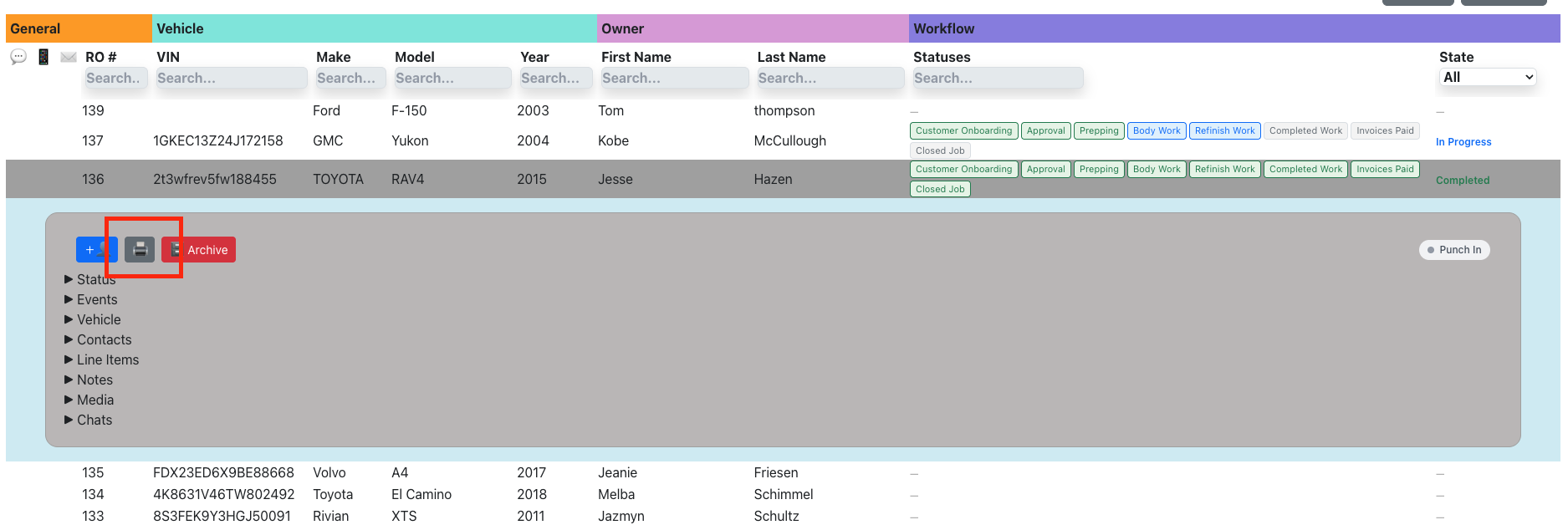
- A preview modal opens showing the QR code and optional fields.
- Use the checkboxes to toggle Name, VIN, and RO # on or off.
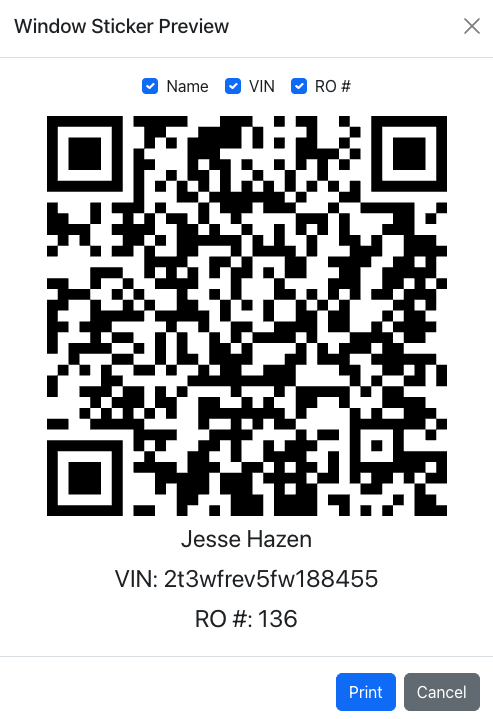
- Click "Print" to send to your printer.